Band Buddy.
A digital tip jar and request slip for live music: fans request songs and tip from their phone, musicians run the show from theirs.
- My role
- Product designer at an agency: research, strategy and UX/UI
- Team
- Me, a PM and an engineer, working directly with the client
- Platforms
- Mobile app for musicians and fans, admin dashboard and marketing website
- Status
- Launched on the App Store and Google Play, with a marketing website I designed
The idea
Turn every set into a conversation with the crowd.
Band Buddy connects musicians playing live with the people in front of them. A fan joins the show from their phone, picks a song from the musician's request list and adds a tip. The musician sees requests come in while they play and gets paid for them.
One show, three users
Like Traacker, this was a three-sided system. I designed each side around a persona from our research and strategy sessions with the client.
The musician
iOS app
Schedules shows, uploads song request lists, starts the show and receives tips and requests in real time.
The fan
iOS app
Finds a show, sees the band's info and socials, joins with one tap and requests songs with a tip.
The admin
Web dashboard
Tracks musicians, fans and estimated tips, and resolves issues like reported payment problems.
Wireframes first
Before any visual design, I wireframed the whole product: more than 130 screens. They cover sign-up and phone verification, choosing musician or fan, password recovery, empty and active home states, adding a show step by step, starting a show, subscribing, show history, profile and settings.
Working this way let the client and engineer agree on every flow, including the edge cases, before we moved into high fidelity.
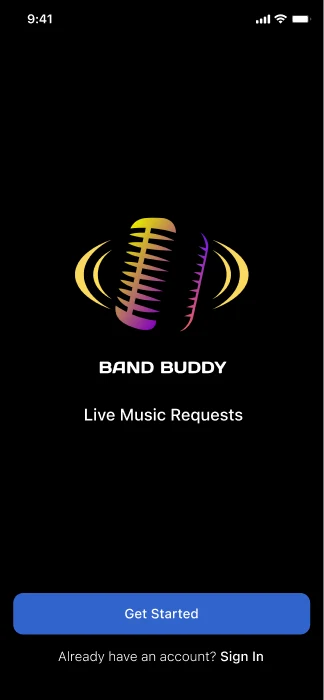
Landing
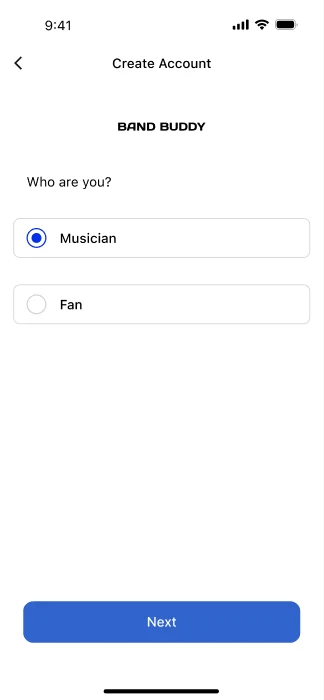
Musician or fan
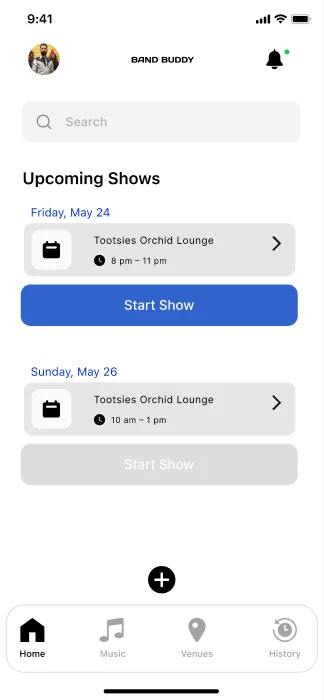
Musician home
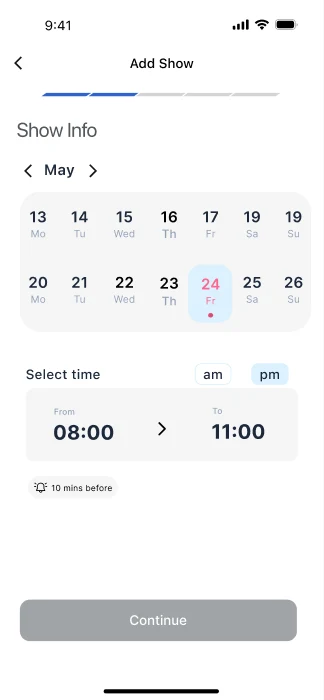
Add a show
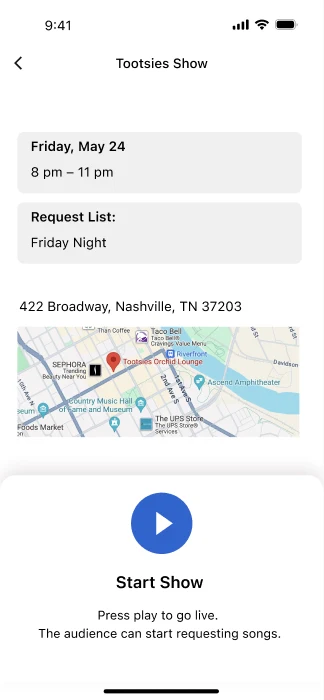
Start the show
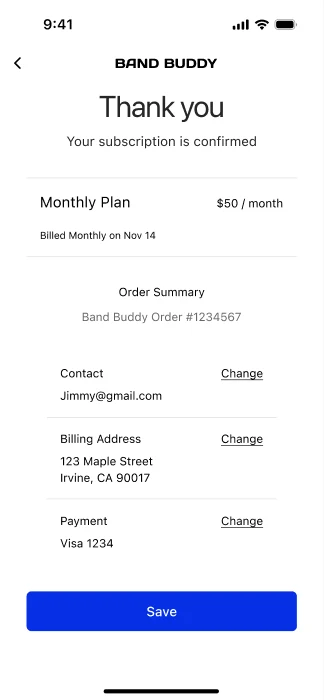
Subscription confirmed
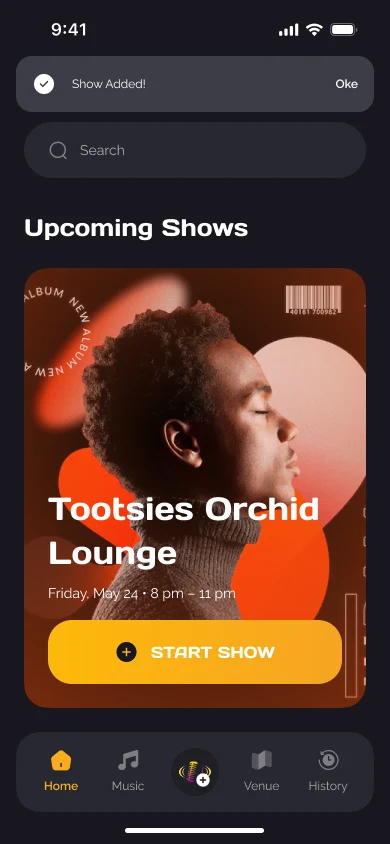
Musician starts the showUpcoming shows sit front and center, one tap from going live.
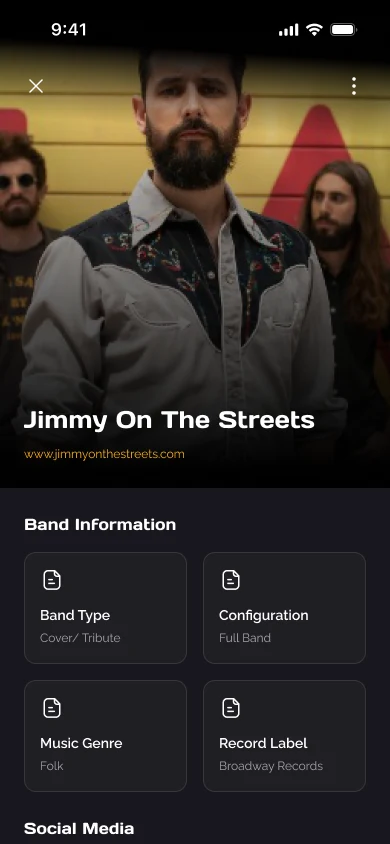
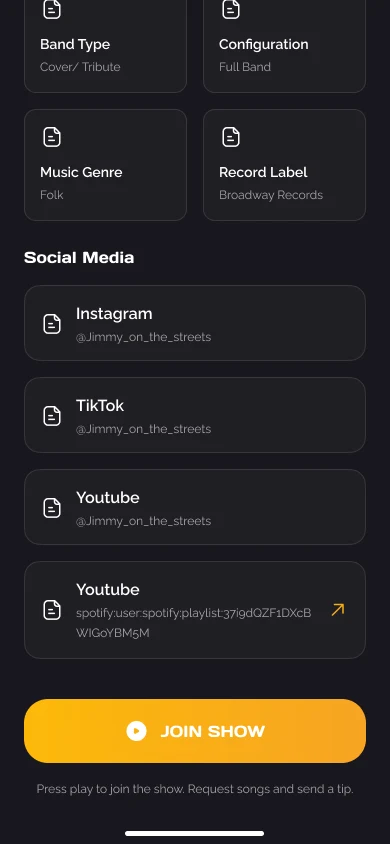
Fan joinsThe show page introduces the band, then gets out of the way with a single Join Show button.
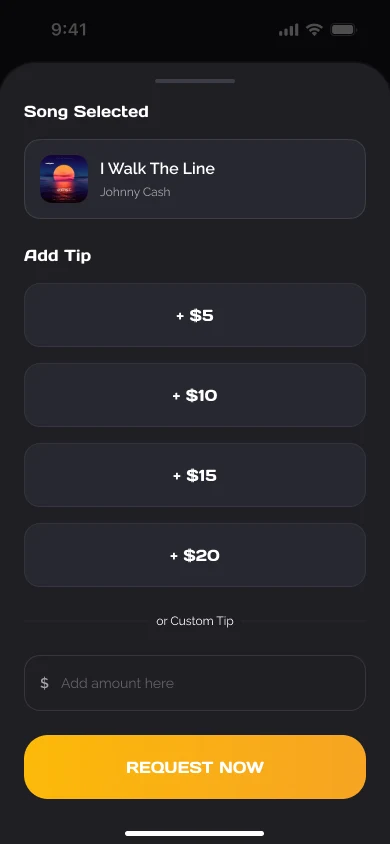
Request with a tipPick a song, tap a preset tip or enter your own, and send. Two decisions, no forms.
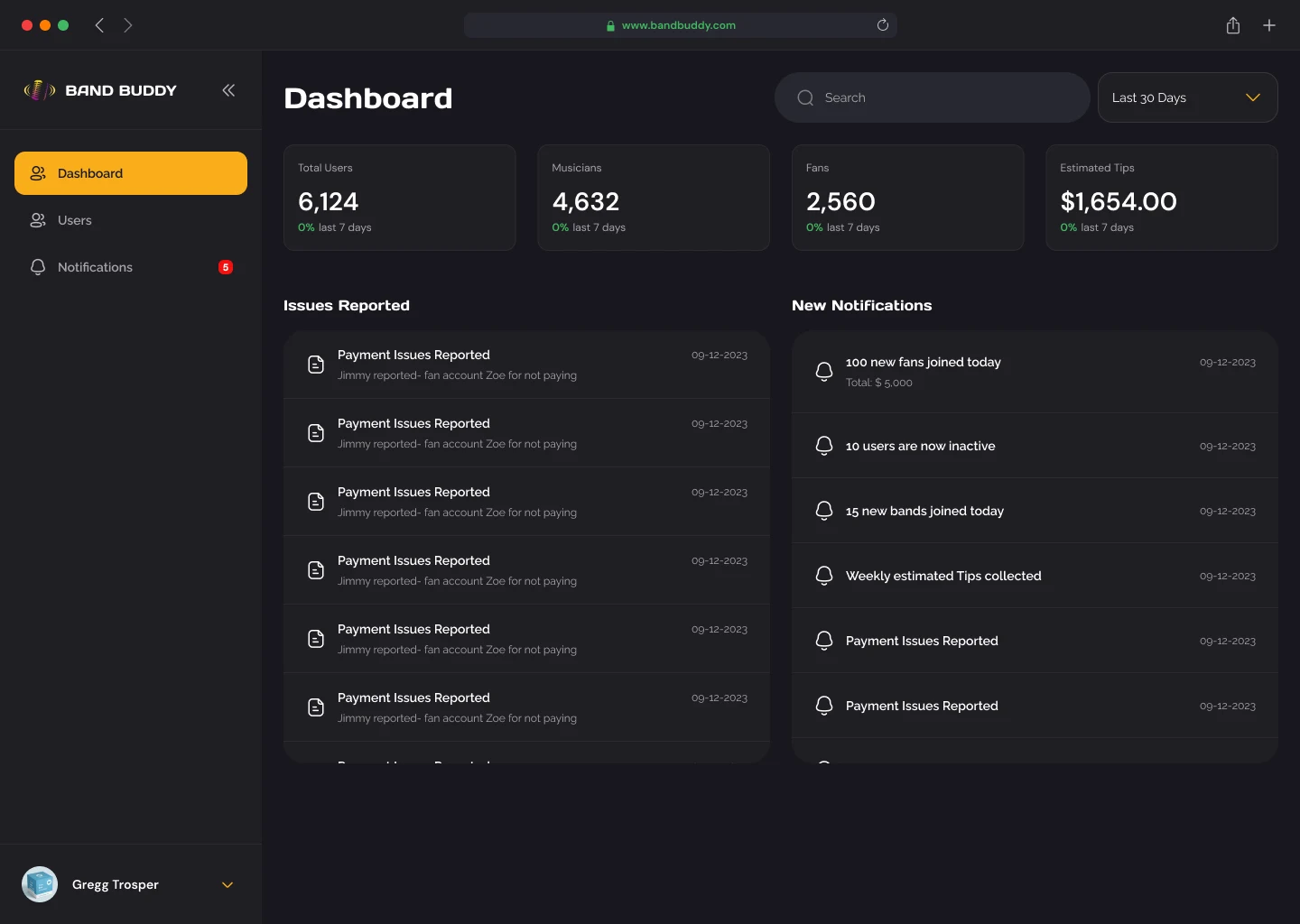
Admin keeps it runningTotals, reported issues and notifications in one place. Figures shown are placeholder data.
Business model
Musicians get value before they pay. On the free plan, the audience can view song requests, and musicians can link socials and get show reminders.
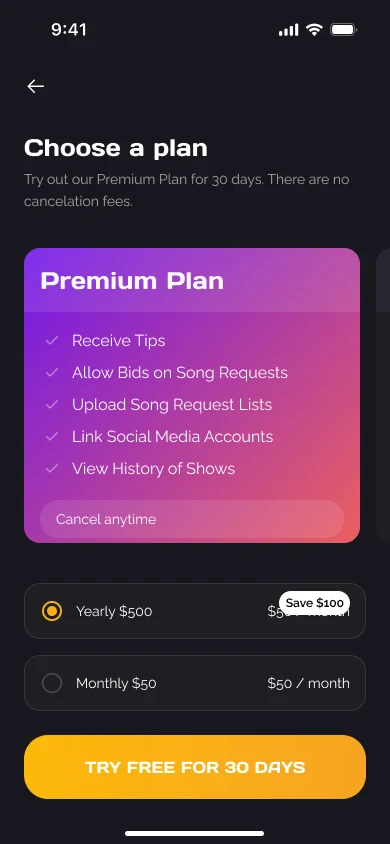
Premium unlocks the money features: receiving tips, letting fans bid on song requests, uploading request lists and viewing show history. It costs $50 a month or $500 a year, with a 30-day free trial to remove the risk of trying it.
The style guide
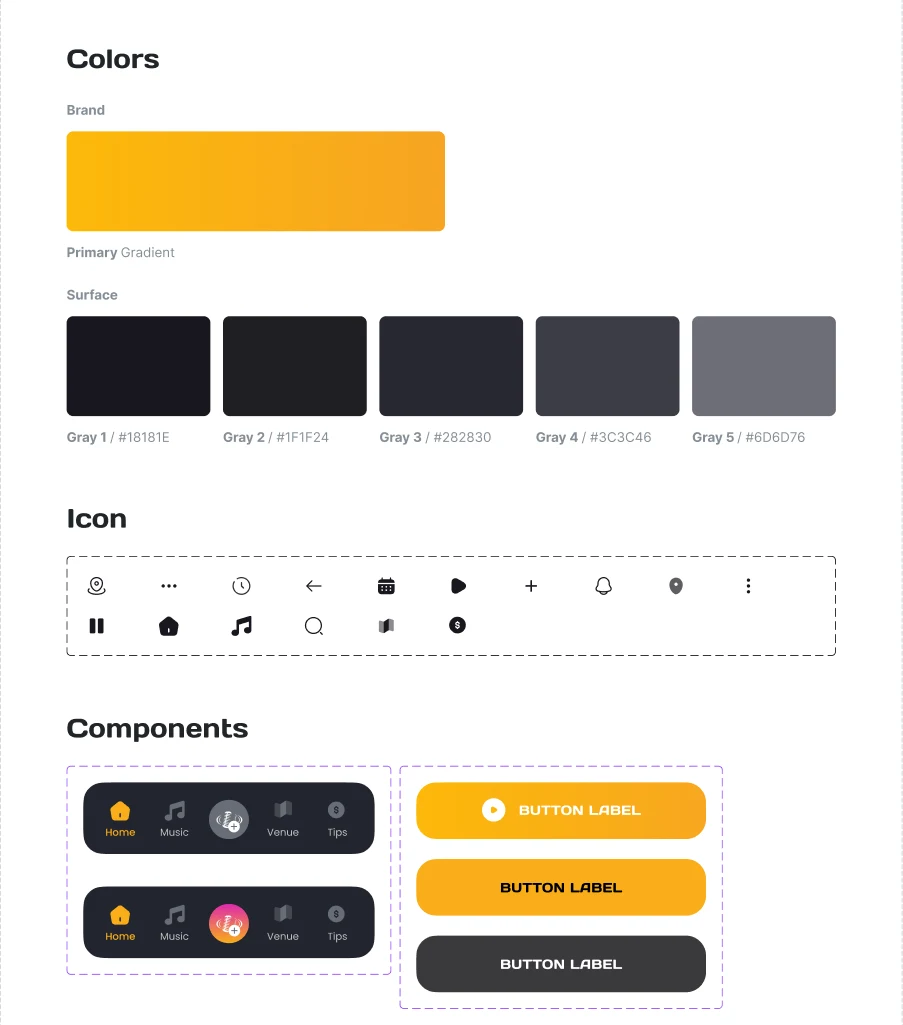
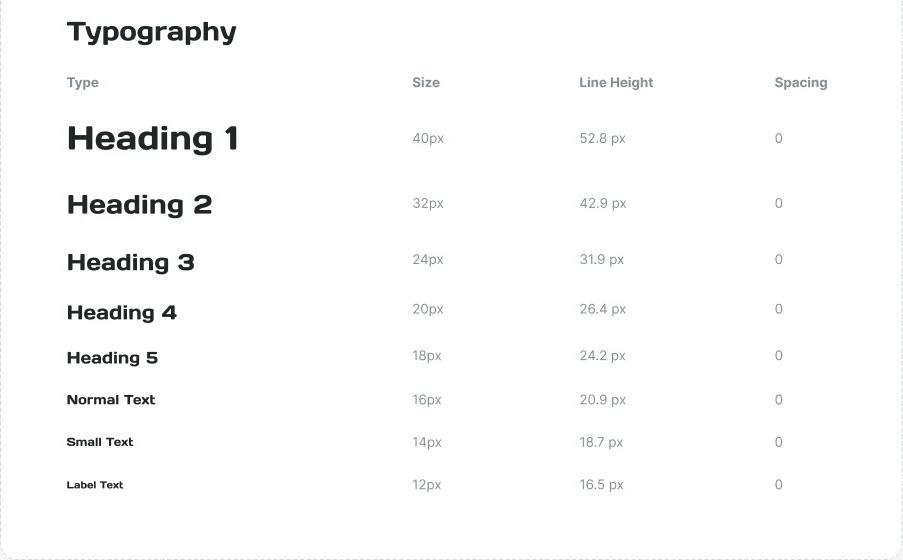
The high-fidelity design runs on a style guide I set up: a yellow-to-amber primary gradient over five dark surface greys, made for dim venues; a 16-icon set; a type scale from 40px headings down to 12px labels; and shared components such as the bottom navigation and three button styles.
The website
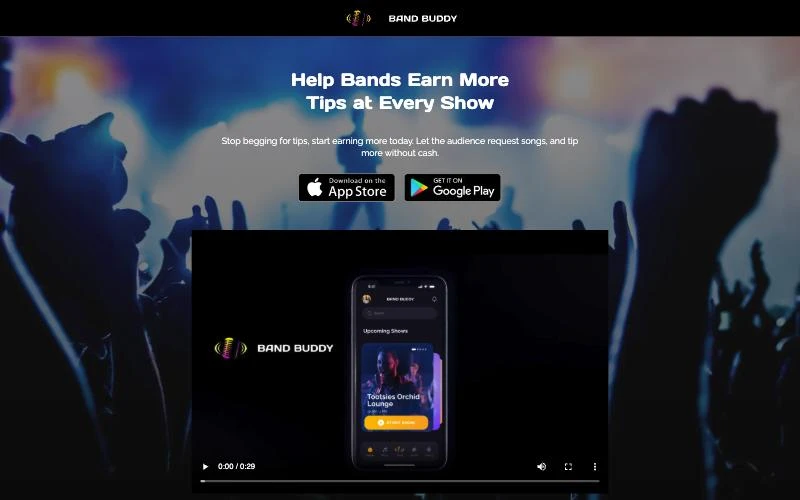
I also designed the marketing site, bandbuddylive.com. It speaks to musicians first, with the headline "Help Bands Earn More Tips at Every Show", and walks them through how it works: host the show, receive requests and tips, get paid. App Store and Google Play buttons repeat down the page so the next step is always one tap away.
Outcome
The client approved the designs for the musician app, the fan app and the admin dashboard. After hand-off to the client and engineering, Band Buddy launched on the App Store and Google Play, supported by the website.
The signals I'd use to judge how it's working:
- Request-to-tip rate: how many song requests come with a tip, and at which preset.
- Shows started: how often musicians go live each week once they've signed up.
- Free-to-premium conversion: how many musicians upgrade during or after the 30-day trial.
What I took away
Designing for a live show means designing for distraction: a dark room, loud music, one hand free. Every fan flow had to work in a couple of taps, and every musician flow had to stay glanceable mid-set.